How to Configure Backblaze B2 on FaceToshi: Cloud Storage for Images and Videos ☁️
Discover how to integrate Backblaze B2 with FaceToshi to store photos, videos, and multimedia files in the cloud. This guide covers creating storage buckets, generating secure access keys, configuring cloud storage in FaceToshi, and connecting a CDN for faster content delivery. 🚀 Build a more flex
How to Configure Backblaze B2 on FaceToshi: Cloud Storage for Images and Videos ☁️
Want FaceToshi to store photos, videos, and multimedia files without relying exclusively on your main server's storage capacity?
With Backblaze B2 Cloud Storage, you can connect FaceToshi to an external storage service to manage your community's multimedia files.
In this guide, you'll learn how to create a storage bucket, generate access keys, and configure the connection through FaceToshi's administration panel.
1. Create a Backblaze Account
First, visit the official website:
Sign up or log in to your account. Then, access the B2 Cloud Storage section to manage your cloud storage.
2. Create a Bucket for FaceToshi
The Bucket will be the storage space where FaceToshi keeps its multimedia files.
Follow these steps:
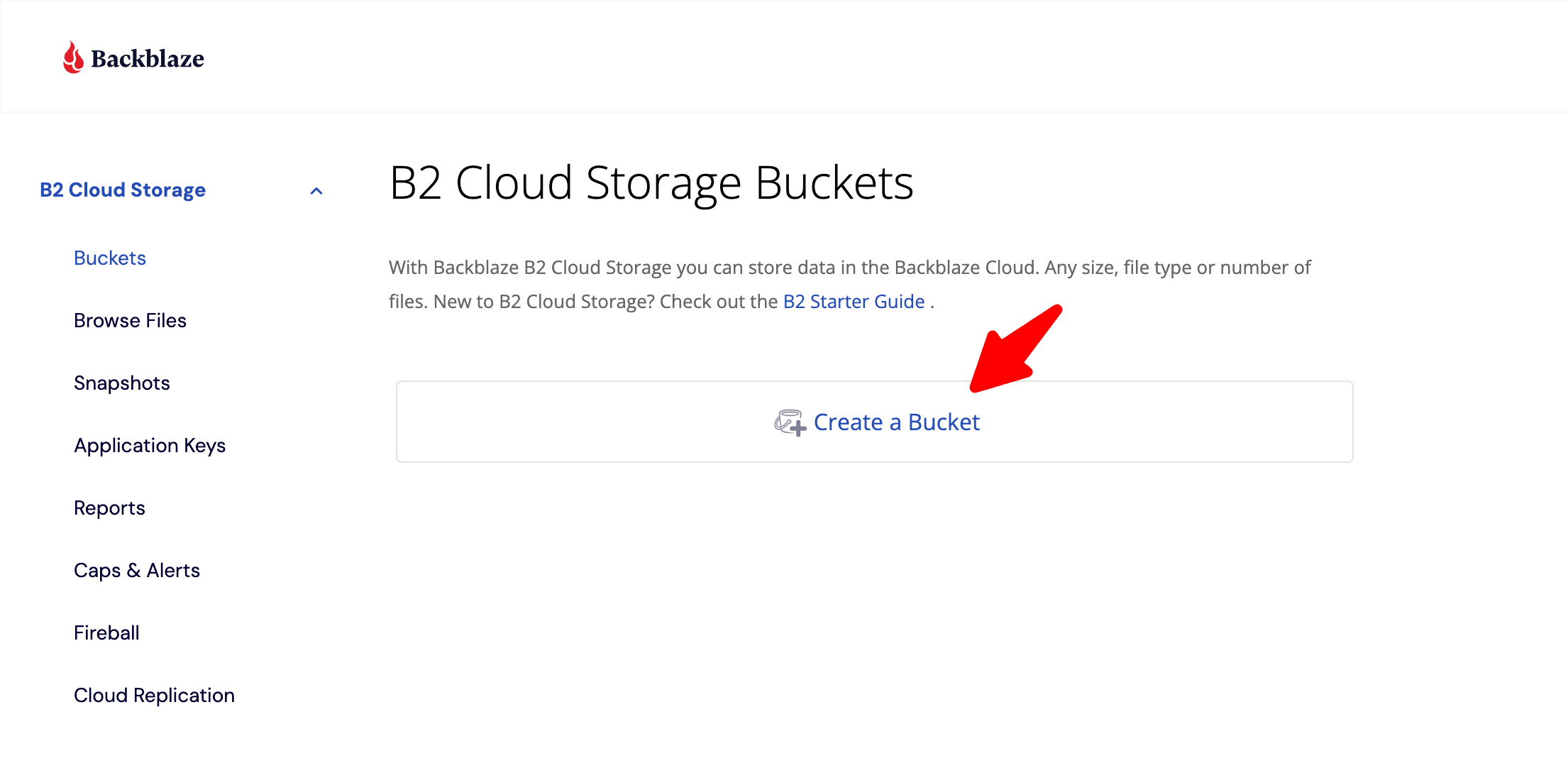
Open B2 Cloud Storage.
Select Buckets.
Click Create a Bucket.
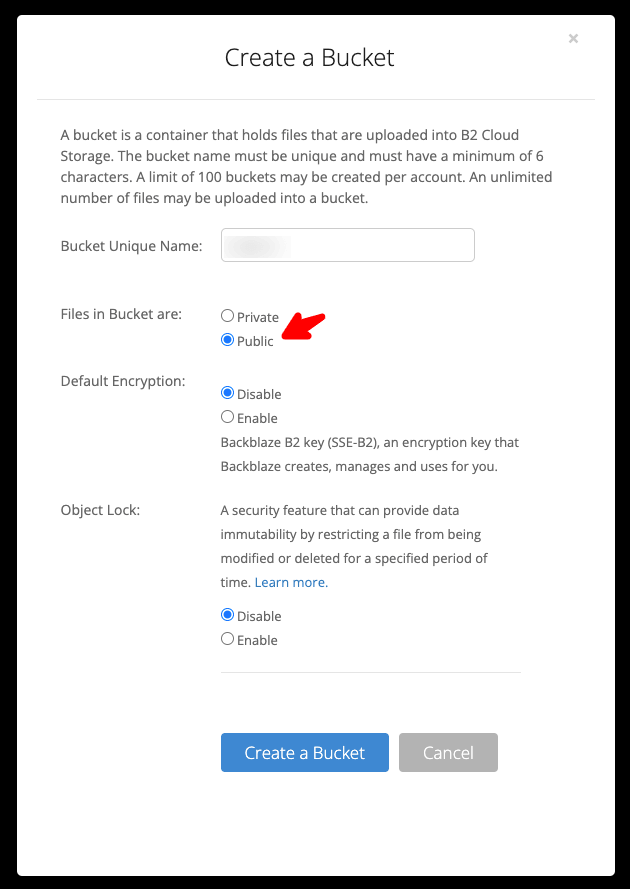
Enter a name to identify FaceToshi's storage.
Select an available region.
Configure the access type according to your requirements.
Confirm the creation.
You can use this storage space for photos, profile pictures, attachments, and videos supported by your implementation.
3. Generate Access Keys
FaceToshi needs credentials to communicate with Backblaze B2.
To generate them:
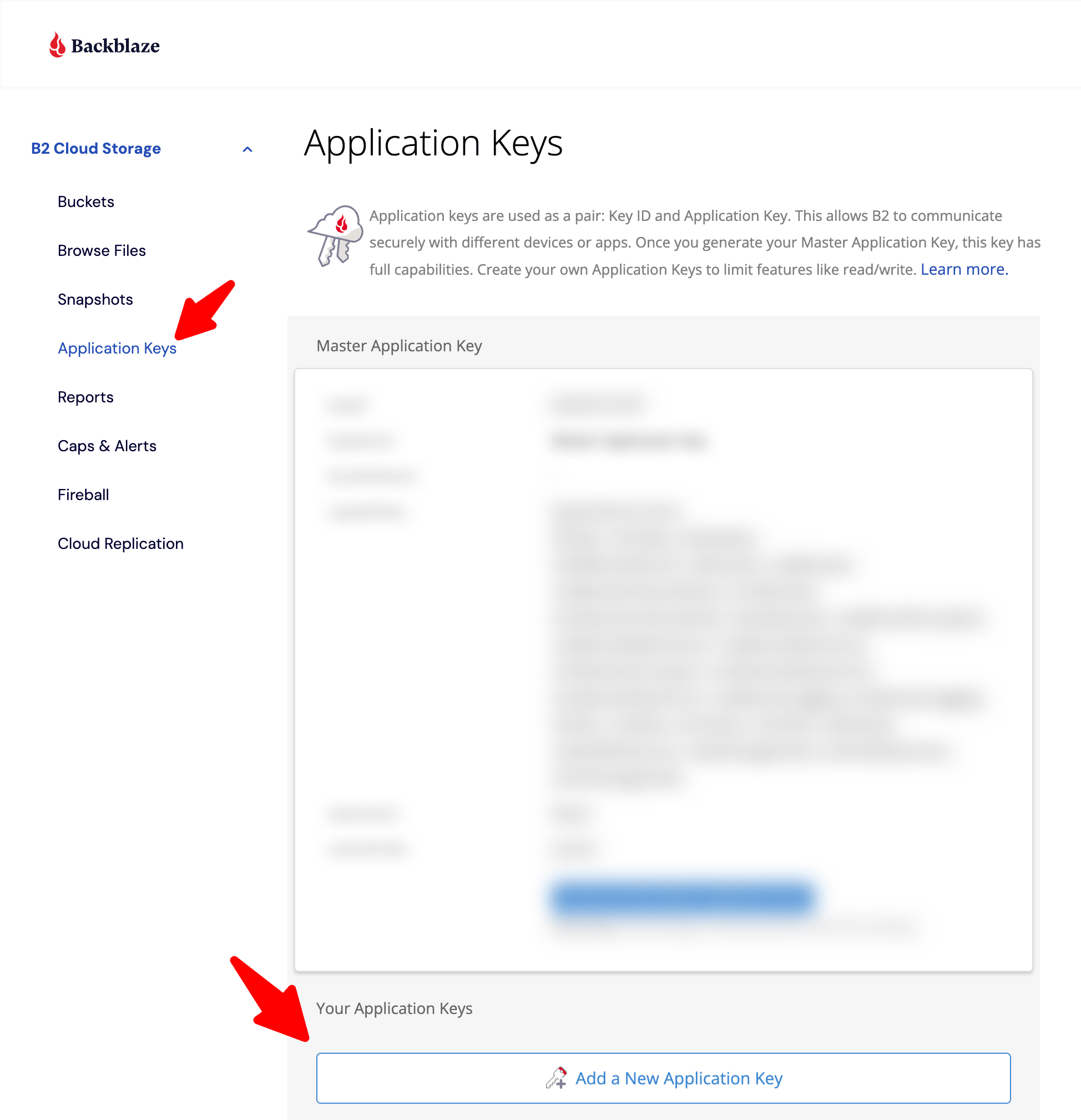
Open App Keys.
Select Add a New Application Key.
Enter an identifying name, such as FaceToshi.
Select the corresponding Bucket.
Configure the required permissions.
Generate the application key.
Save the following information:
KeyID.
Application Key.
Bucket Name.
Important: Never share your access keys publicly. They must be stored securely in your server configuration.
4. Configure Backblaze B2 in FaceToshi
Now it's time to connect external storage to your platform.
Log in to the FaceToshi administration panel and locate the cloud storage configuration section.
If this section does not exist yet, the Backblaze integration must first be implemented in FaceToshi's backend.
The configuration should support the following fields:
KeyID: Application identifier.
Application Key: Private access key.
Bucket Name: Name of the storage bucket.
Region: Bucket region.
Endpoint: B2 service endpoint corresponding to the selected region.
Save your changes and use a connection testing option to verify the credentials.
5. Configure CDN Delivery for Images
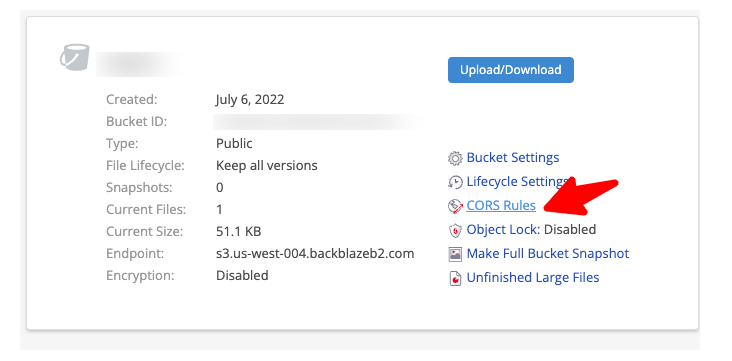
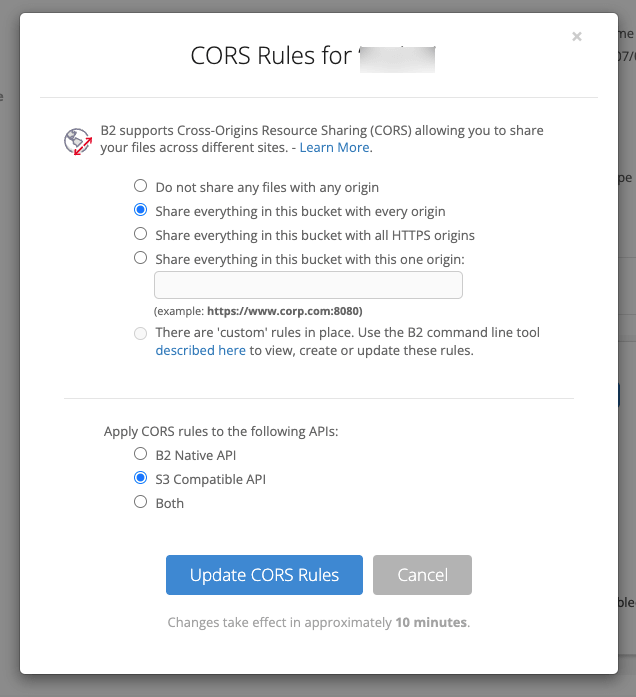
To improve multimedia delivery, FaceToshi can use a custom domain to serve images stored in Backblaze B2.
For example:
The integration should allow posts and user profiles to use the corresponding public URLs for their files.
You can also configure Cloudflare or another compatible service to distribute your content.
6. Test Your Cloud Storage
Once the configuration is complete:
Log in to FaceToshi.
Create a test post.
Upload a photograph.
Check that the file is stored in Backblaze B2.
Verify that the image displays correctly.
Check that its CDN URL works, if you have configured one.
This will help verify that FaceToshi is communicating correctly with your external storage service.

Benefits of Using Backblaze B2 on FaceToshi
☁️ External Storage: Keep multimedia files separate from your main server.
📸 Photos: Store profile pictures and post images.
🎬 Videos: Store video files supported by your implementation.
🌎 Scalability: Expand your platform's storage capabilities.
🚀 CDN: Complement cloud storage with a content delivery network.
Conclusion
FaceToshi can take advantage of Backblaze B2 to build a more flexible storage infrastructure that is ready for community growth.
Combining cloud storage with CDN delivery provides a foundation for managing large amounts of multimedia content.
Backblaze B2:
https://www.backblaze.com/cloud-storage
❤️ FaceToshi: A community where emotions are shared through content.